



Carousel with 5 slides
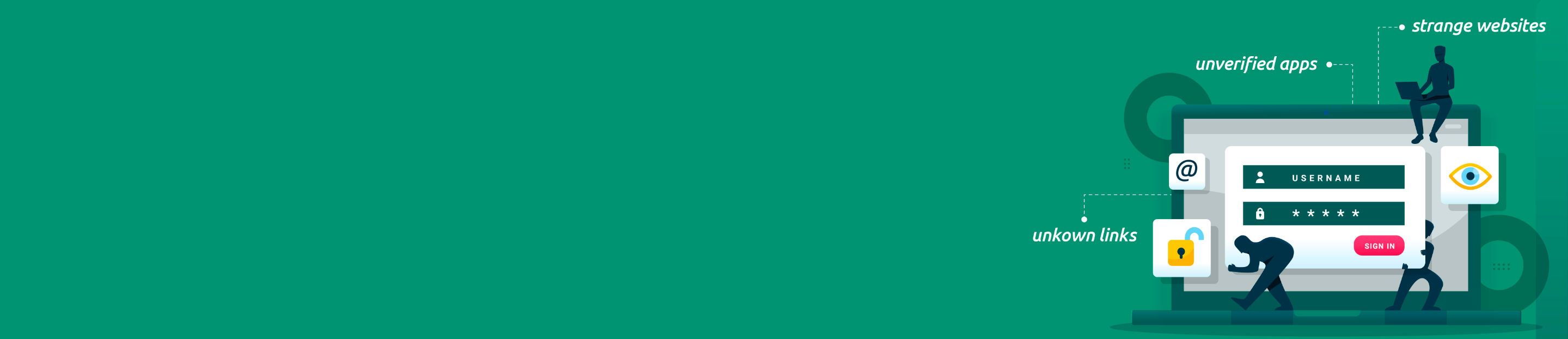


Safe Banking
Everything is safe at home.
Even your bank.
Bank safely with Ujjivan Mobile Banking App & Internet Banking.
To report any concerns, please call our toll-free number 1800-208-2121
Even your bank.
Bank safely with Ujjivan Mobile Banking App & Internet Banking.
To report any concerns, please call our toll-free number 1800-208-2121
As our nation takes a leap towards digitization, Internet becomes an integral part of our daily activity. But the boon of Internet also poses some threats – cyber threats – a common threat for individuals, enterprises or anything that exist on the Internet.
We, at Ujjivan Small Finance Bank, acknowledge the crisis and resolve to provide optimal security to your data and transactions. We also feel that your active involvement in knowing more about cyber threats or scams is equally important for your safety of your money.
You are your first line of defence against the Internet frauds. You can safeguard your information from the cyber threats by embracing safe practices while you are on the Internet, which is almost all the time. Also, being aware of the threats empowers you to become more cautious.
So, let’s get to know about cyber threats in detail and also about some common scams that robbed many people of their money.
Secure Your Passwords

Use strong, unique passwords for each of your accounts.
Avoid using easily guessable information like birthdays or names.
Regularly update your passwords to enhance security.
Secure your Mobile Banking App
Use a PIN, password, or biometric authentication on your mobile device.
Never share your mPIN and account details with anyone.
Change your mPIN regularly.
Do not save mPIN and card details on your mobile phone.
Secure Your Internet Banking Platform
Always visit Ujjivan Personal Net Banking site at URL https://ujjivansfb.in/ and ensure that the URL begins with https://, the letter “s” at the end of “https” means the site is secured.
If the Ujjivan log-in IDs or passwords appear automatically on the sign-in page, disable the “Auto Complete” function to increase the security of confidential information.
Ujjivan Small Finance Bank will never send any email or SMS or phone call seeking confidential details like login password/OTP/debit card number.
Always check the last log-in date and time when you access the Personal Net Banking account and check your account statement regularly.
Beware of Phishing Attempts
Be cautious of emails, messages, or calls asking for sensitive information.
Verify the authenticity of communication before sharing personal details.
What is Phishing?
Phishing is a cybercrime where attackers attempt to trick you into revealing sensitive details like usernames, passwords, and OTPs. They often impersonate legitimate sources like your bank through emails, fake websites, or even phone calls.
Protecting Yourself from Phishing Attacks
Protecting Yourself from Phishing Attacks
Here are some crucial steps to safeguard your accounts:

Suspicious Communication: Banks rarely contacts you through unprompted emails, messages, or phone calls for sensitive information. Be wary of such communication and never click on suspicious links or attachments.

Strong Credentials: Use strong, unique passwords for your online banking accounts and enable two-factor authentication (2FA) whenever available. Never share your OTPs with anyone, not even bank representatives.
Website Security: Always verify the bank's website address before entering your credentials. Look for typos or signs that indicate the website might be fake or fraudulent.
Report Phishing Attempts: If you encounter a phishing attempt, report it to the bank immediately. This helps us track phishers and strengthen our security measures.
Regularly Monitor Your Accounts
Keep a close eye on your bank statements and transaction history.
Report any suspicious activity or unauthorized transactions immediately.
Use Trusted Devices and Networks
Access your online banking from secure and trusted devices.
Avoid using public Wi-Fi for sensitive transactions.
Keep Mobile Banking Application Updated
Regularly update your banking app and device operating systems.
Software updates often include security patches to protect against vulnerabilities.
Educate Yourself
Stay informed about the latest cybersecurity threats and scams.
Be aware of common tactics used by fraudsters to deceive individuals.
Report Lost or Stolen Items Immediately
To report any lost/stolen cards or unauthorised transactions, please call our toll-free number 1800-208-2121
Swift reporting can prevent unauthorized use.
Use Official Banking Apps
Download and use the official banking app provided by Ujjivan SFB.
Ensure that Mobile Banking App is downloaded through Google Play Store or iOS only.
Avoid third-party apps for accessing sensitive financial information.
Be Cautious on Social Media
Avoid sharing detailed financial information on social media platforms.
Be mindful of what you post, as it can be used for social engineering attacks.
Protect Personal Information
Be cautious about sharing personal information online or over the phone.
Verify the legitimacy of requests for information before providing it.
Report A Fraud (24 X 7)
To report any unauthorised transactions or fraudulent activities, please call our toll-free number 1800-208-2121
customercare[at]ujjivan[dot]bank[dot]in
To Report a Cyber Crime:
Visit: https://cybercrime.gov.in
National Cyber Crime Helpline: 1930
Security/Nodal Officer - National Cyber Crime Reporting Portal
| Sr. No. | Name | Designation | Address | Email ID | Phone Number |
| 1. | Mr Vinesh Anand | Lead-EFRMS | Ujjivan SFB, Grape Garden, 6th Block, Koramangala, Bangalore - 560095 | vinesh.anand583[at]ujjivan[dot]bank[dot]in 91crpc[at]ujjivan[dot]bank[dot]in | 9836300995 |
Note:
Remember, practicing safe banking habits is essential for protecting your financial well-being. Stay vigilant, stay informed, and report any suspicious activity to your bank promptly.
If you find any discrepancies, report them immediately by visiting your nearest bank branch or by calling our Customer Care number 1800-208-2121.