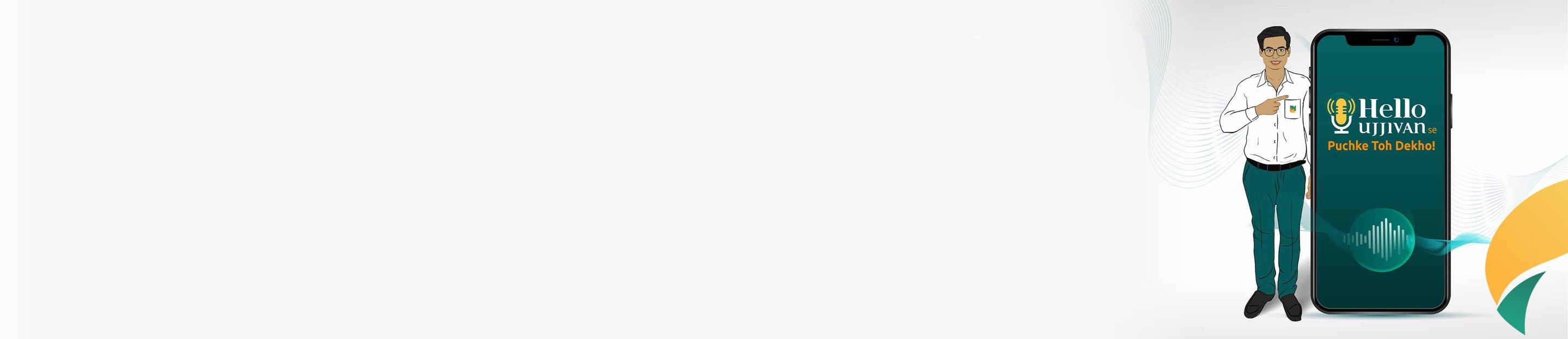
Your voice & your smartphone. That's all you need for banking!
Audio guides on every screen
10 languages
learn with pictures step by step
Explore the App with your voice
End to End Voice Guidance throughout the App
Create and manage FD and RD
Chatbot Assistance with Voice Search
View deposit details and download FD advice
Convenient login using 4-digit MPIN
Fund transfer facility:
View Ujjivan Loan Card and Loan Details
Manage your own fund transfer limit
Loan EMI Repayments
Debit card services - set debit card pin, hotlist card and request a new card
Online access to consolidated account balances
Pay Loan EMI
Flexibility to download, view or e-mail your e - statement
Pay Loan EMI
Refer Someone Option
Send money
Check balance
open FD/RD
Safe, Secure and Responsible usage guidelines Click here to View
*for the mass market segment as on October 15, 2022
Details of Digital Lending Products | |||||
Sr No | Product | Product variant | Digital Lending Applications (DLAs) of the Bank | Tenure | Loan Amount |
| 1 | Pre-Approved Individual Business Loan | Individual Business loan(IBL) | Hello Ujjivan | 6 months upto 36 months | Rs.51000 upto 200000 |
| 2 | Individual Business loan Top up | Individual Business loan(IBL) | Hello Ujjivan | 6 months upto 36 months | Rs.51000 upto 200000 |
| 3 | Pre-Approved Individual Home Improvement Loan | Individual Home improvement loan(HIL) | Hello Ujjivan | 6 months upto 36 months | Rs.51000 upto 200000 |
| 4 | Individual Home Improvement loan Top up | Individual Home improvement loan(HIL) | Hello Ujjivan | 6 months upto 36 months | Rs.51000 upto 200000 |
| 5 | Loan acknowledgement of Group loans(Repeat and Top up) through Hello Ujjivan | Digital loan servicing - request for disbursement of loans | Hello Ujjivan | 6 months upto 36 months | Rs.6000 upto 125000 |
* Daily transaction limit for digitally opened savings accounts during the cooling period of account opening.
Product Type | Savings Account Variants | Daily limit | Cooling period days |
Savings Account | Privilege Savings Account | 1,50,000 | 7 days |
| Maxima Savings Account | 2,00,000 | 7 days | |
| Garima Savings Account | 1,00,000 | 7 days | |
| Other SA Variants (Regular, DSA Regular) | 50,000 | 7 days |
Additional measure to safe-guard the digitally opened savings bank account above limits will be in place for first 7 days of account opening for personal net banking, Mobile banking.
For any queries, please contact : Click Here
RBI's Complaint management system : Click Here
Facility of lodging a complaint : Click Here
Privacy Policy : Click Here
Cookie Policy : Click Here
Hello Ujjivan Terms and Conditions : Click Here
Individual loan Terms and Conditions : Click Here
Group Loans getting acknowledged through Hello Ujjivan : Click Here
List of Recovery Agencies : Click here
If you encounter any technical issues with Ujjivan mobile banking, such as app crashes or error messages, you can reach out to customer support for assistance. They will help troubleshoot the problem and ensure that you can continue to use the app smoothly.
Yes, Ujjivan mobile banking allows you to schedule recurring payments for bills or other expenses. Simply set up the recurring payment details within the app, and the payments will be processed automatically according to your specified schedule.
If you suspect unauthorised activity on your Ujjivan mobile banking account, such as unrecognised transactions or login attempts, it's crucial to take immediate action. Contact customer support to report the issue, and they will guide you through the necessary steps to secure your account and investigate the unauthorised activity.
Yes, you can download your account statements through Ujjivan mobile banking for your records or for tax purposes. Navigate to the statements section within the app, select the desired time period, and download the statements in PDF format.
To change your registered mobile number in Ujjivan mobile banking, you'll need to visit your nearest Ujjivan Small Finance Bank branch and follow the prescribed procedure. Ensure to carry valid identification documents for verification purposes.
Yes, Ujjivan mobile banking is available in 10 languages to cater to the diverse needs of our customers. You can select your preferred language within the app's settings for a seamless banking experience.
If you lose your mobile phone with the Ujjivan mobile banking app installed, it's essential to take immediate action to prevent unauthorised access to your account. Contact customer support to report the loss and request a temporary suspension of your mobile banking services.
Discover a new level of banking convenience with the Hello Ujjivan mobile banking app!
Download Now