What Is an E-Passbook and How to Use It for Digital Banking?
Disclaimer: The information is shared in good faith and for general informational purposes only. Ujjivan SFB does not make any representations or warranties regarding the accuracy, completeness, or reliability of the content.
December 09, 2025

In most Indian homes, the bank passbook used to be a permanent fixture, tucked into a plastic cover, carried carefully to the branch, updated by a printer, and then filed away again. It was your proof of balance, your transaction history, and in many ways, your comfort blanket. But as banking has moved to apps, UPI, and 24×7 digital payments, that paper passbook has quietly evolved into the e-passbook.







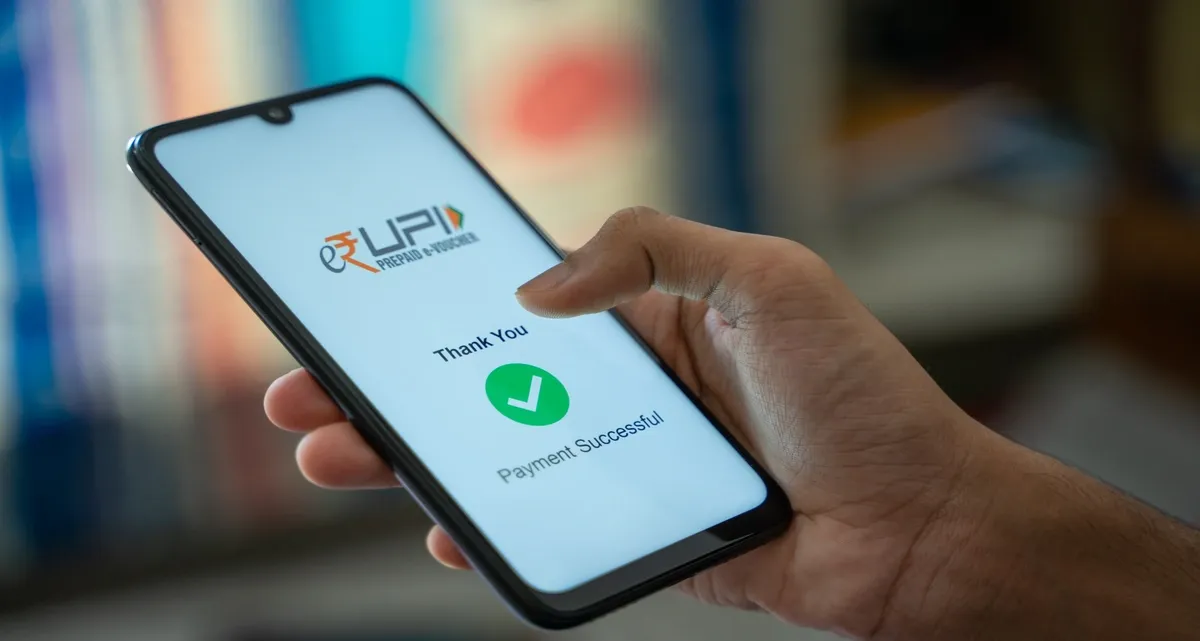
An e-passbook takes everything the old booklet used to do and brings it to your phone or laptop in real time. With E-Passbook, people don't have to worry about long queues, smudged ink or missing entries. If you’re already using net banking or mobile banking, learning how to use an e-passbook is one of the simplest ways to stay in control of your money.
What Is an E-Passbook?
An e-passbook is a digital version of your physical bank passbook, available through your bank’s mobile app or internet banking portal. It shows:
In simple terms, if a physical passbook is a printed history of what has happened in your account, an e-passbook is that same history — live, searchable, and stored digitally. You don’t have to go anywhere or hand over your book to a cashier. You just log in and view it.
How Is an E-Passbook Different from a Physical Passbook?
At first glance, both serve the same purpose. They show what is happening in your account. But in practice, there are some important differences.
So while the physical passbook is familiar and tangible, the e-passbook is far more aligned with how we bank today — fast, frequent, and mostly online.
What Are the Benefits of Using an E-Passbook?
The move from paper to digital isn’t just about trend or convenience; it has very practical advantages:
Final Thoughts
The e-passbook is quietly becoming the default way to see and manage your money. It replaces queues with a tap, confusion with clarity, and paper clutter with clean, organized digital records.
If you're still relying only on a physical passbook, consider taking the next small step. Log in to your bank’s app or website and explore the e-passbook today. The more comfortable you become with these tools, the easier it gets to track your spending, plan your goals, and spot problems before they grow.
Disclaimer:
The contents herein are only for informational purposes and generic in nature. The content does not amount to an offer, invitation or solicitation of any kind to buy or sell, and are not intended to create any legal rights or obligations. This information is subject to updation, completion, amendment and verification without notice. The contents herein are also subject to other product-specific terms and conditions, as well as any applicable third-party terms and conditions, for which Ujjivan Small Finance Bank assumes no responsibility or liability.
Nothing contained herein is intended to constitute financial, investment, legal, tax, or any other professional advice or opinion. Please obtain professional advice before making investment or any other decisions. Any investment decisions that may be made by the you shall be at your own sole discretion, independent analysis and evaluation of the risks involved. The use of any information set out in this document is entirely at the user’s own risk. Ujjivan Small Finance Bank Limited makes no representation or warranty, express or implied, as to the accuracy and completeness for any information herein. The Bank disclaims any and all liability for any loss or damage (direct, indirect, consequential, or otherwise) incurred by you due to use of or due to investment, product application decisions made by you on the basis of the contents herein. While the information is prepared in good faith from sources deemed reliable (including public sources), the Bank disclaims any liability with respect to accuracy of information or any error or omission or any loss or damage incurred by anyone in reliance on the contents herein, in any manner whatsoever.
To know more about Ujjivan Small Finance Bank Products Visit:"https://www.ujjivansfb.bank.in"
All intellectual property rights, including copyrights, trademarks, and other proprietary rights, pertaining to the content and materials displayed herein, belong
to Ujjivan Small Finance Bank Limited or its licensors. Unauthorised use or misuse of any intellectual property, or other content displayed herein is strictly prohibited and the same is not intended for distribution to, or use by, any person in any jurisdiction where such distribution or use would (by reason of that person’s nationality, residence or otherwise) be contrary to law or registration or would subject Ujjivan Small Finance Bank Limited or its affiliates to any licensing or registration requirements.